


Refer a friend
Share your link; when someone subscribes with it, you get credit on your next invoices.
Share your link
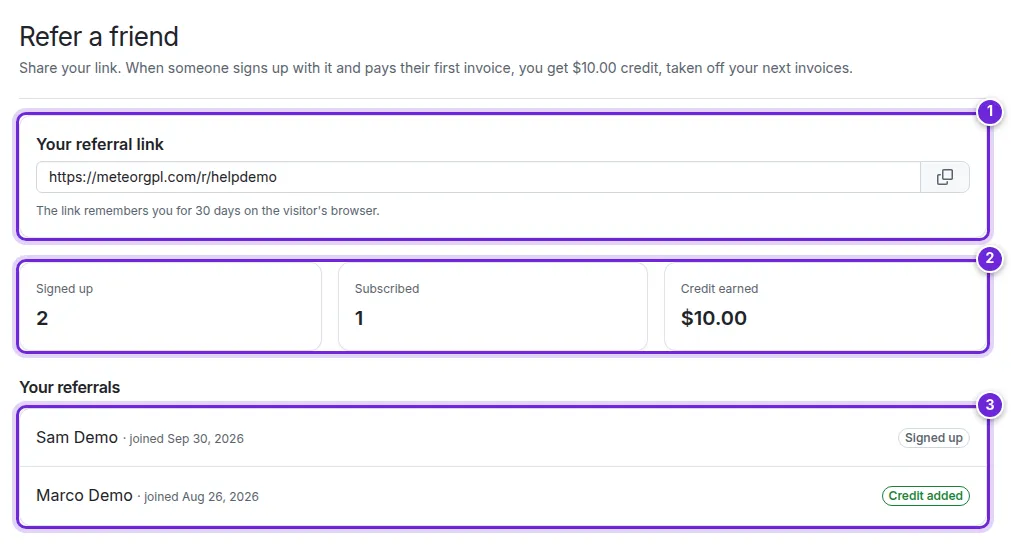
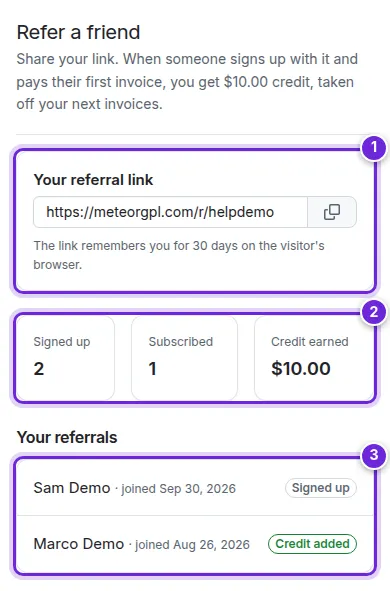
- Open Settings → Refer a friend and copy Your referral link (1). The link remembers you for 30 days in the visitor's browser.
- The counters (2) show how many people Signed up with your link, how many Subscribed, and the Credit earned.
- Your referrals (3) lists each person with their state: Signed up, Subscribed or Credit added.
How the credit works
When someone signs up with your link and pays their first invoice, you get the credit the page names. It is taken off your next invoices automatically. Depending on the current offer, the person you referred also gets a welcome discount on their first subscription; the page says so when there is one.
Questions
Where do I see the credit? On your next invoice under Settings → Billing and plans → Payment history.
Did this not answer your question? Contact support.